

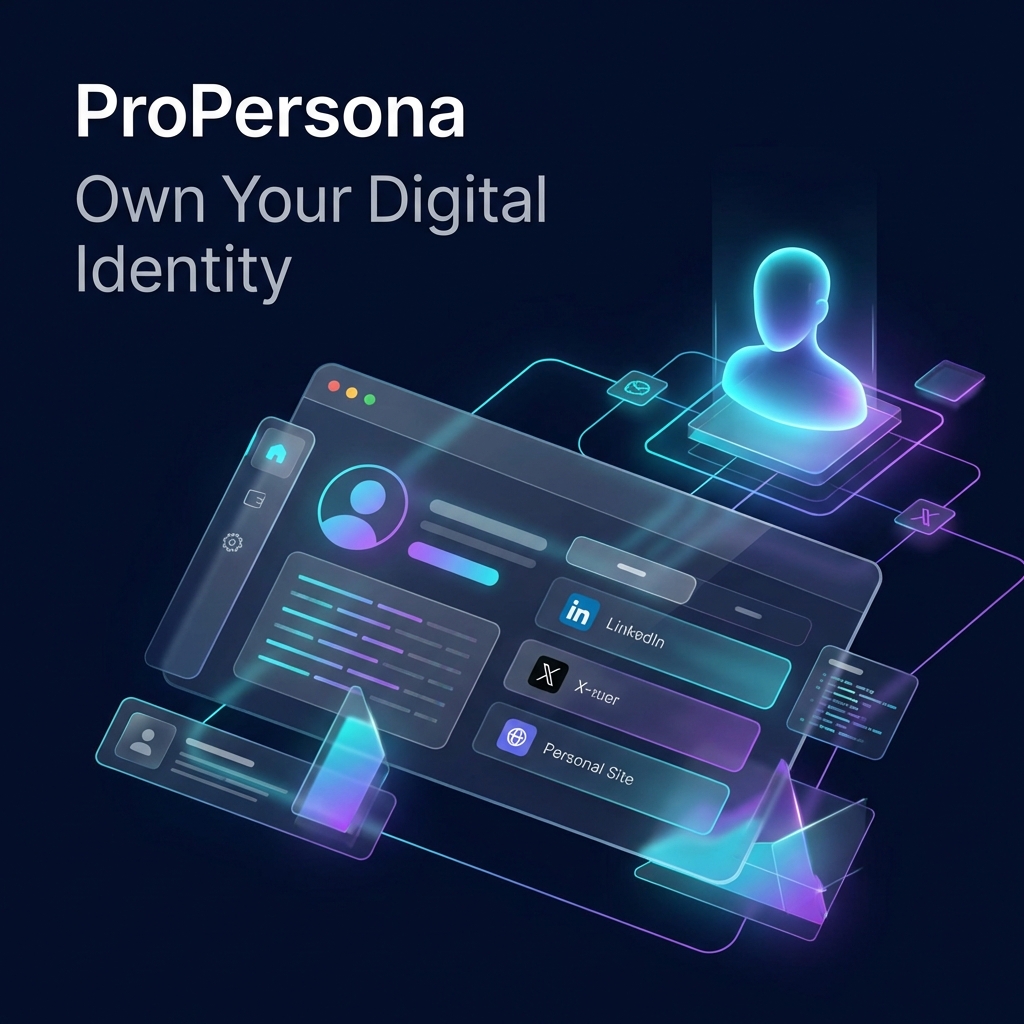
Instagram Link in Bio Best Practices: Convert Followers to Customers
You have 10,000 followers, but only 50 clicks a month. The problem isn't your content; it's your funnel.
Your "Link in Bio" is the checkout counter of your social media store. If it's messy, confusing, or slow, people will leave without buying.
1. Speed Is King
Instagram's in-app browser is notoriously slow. If your bio page takes more than 2 seconds to load, you lose 40% of your traffic.
- Action: Use lightweight tools like ProPersona that are optimized for Core Web Vitals. Avoid heavy animations.
2. Limit Your Choices (The Paradox of Choice)
Psychological studies show that offering too many options leads to "analysis paralysis."
- Bad: A list of 20 links to every article you've ever written.
- Good: 3-5 high-impact links (Latest Offer, Newsletter, Contact).
3. Visual Hierarchy
Don't make every button look the same. Use design to guide the eye.
- Primary CTA: Should be the largest or most colorful element (e.g., "Book a Call").
- Secondary Links: Smaller, neutral colors.
4. Update Frequently
Your bio link should be dynamic. If you post about a new video, your bio link should reflect that immediately.
- Pro Tip: Use a tool that allows instant updates without changing the URL.
5. Match Your Aesthetic
Your bio page is an extension of your feed. If your Instagram is dark and moody, your bio page shouldn't be bright neon pink. Consistency builds trust.
ProPersona offers 7 aesthetic themes designed to match popular creator vibes, from "Minimalist Dark" to "Glassmorphism."