

How to Identify Phishing Emails Using AI in 2026
In 2026, phishing attacks have become terrifyingly sophisticated. Hackers use LLMs to analyze your LinkedIn profile, read your recent tweets, and craft a hyper-personalized email that sounds exactly like your boss or your bank.
The "Typos" Are Gone
Old advice said: "Look for spelling mistakes." New Reality: AI spells perfectly. It uses perfect grammar. It even mimics the tone of the sender.
Signs of an AI Phishing Attack
1. The Urgency Loop
AI generates scenarios designed to trigger a "fight or flight" response. "Your account will be deleted in 1 hour" is a classic hook.
2. The Contextual Gap
Often, the AI knows who you are, but not where you are. It might reference a "meeting in the conference room" when you are fully remote.
3. The Hidden Payload
The link looks like microsoft.com/login, but the underlying href points to a malicious IP.
Fighting AI with AI
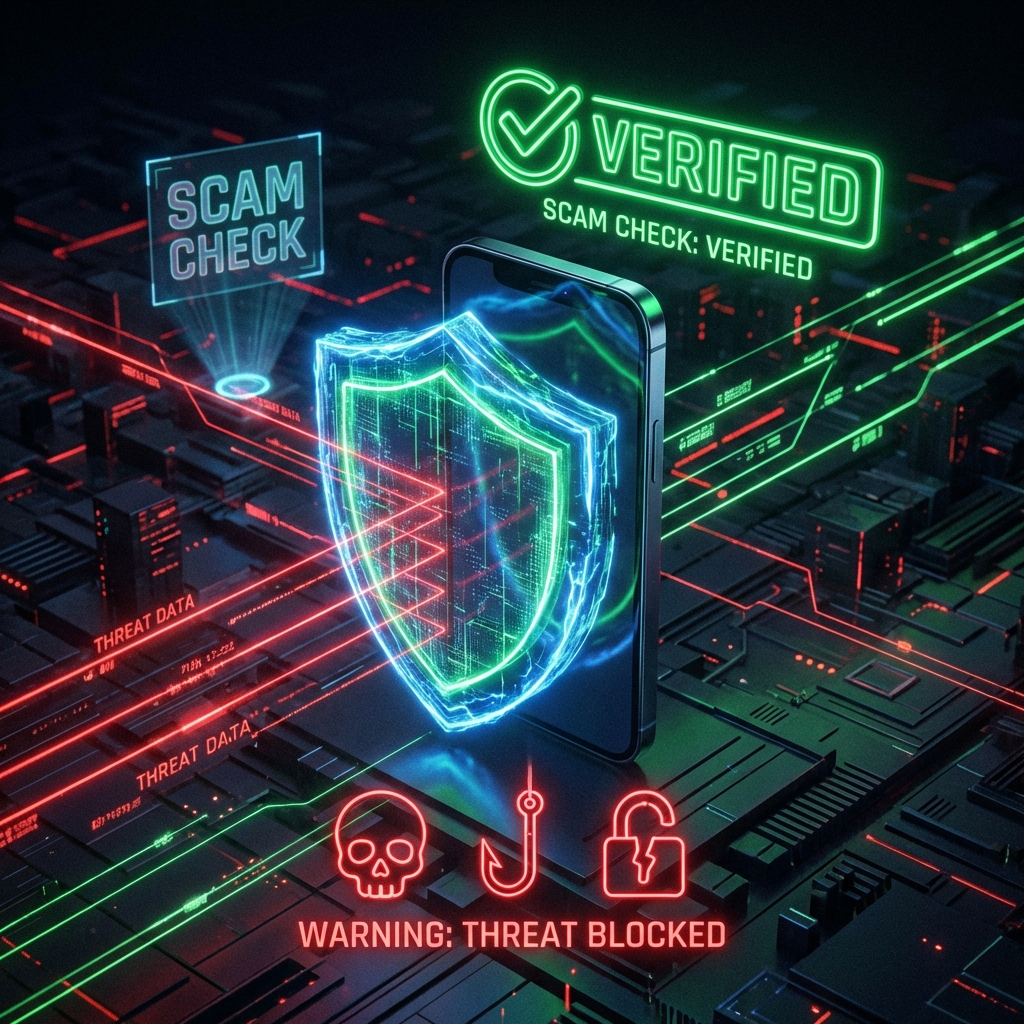
You cannot fight a machine with human intuition alone. You need Scam Check. Scam Check uses a dedicated transformer model trained on known phishing patterns.
- Copy the Email Body: Paste the suspicious text into Scam Check.
- Analyze: The AI looks for linguistic markers of deception—subtle inconsistencies in logic that humans miss.
- Verify Links: It sandboxes the URL to see where it really goes.
Security Hygiene
- Never click a link in an unexpected email from a bank.
- Always verify requests for money via a second channel (e.g., call the person).
- Use Scam Check as your second pair of eyes.